

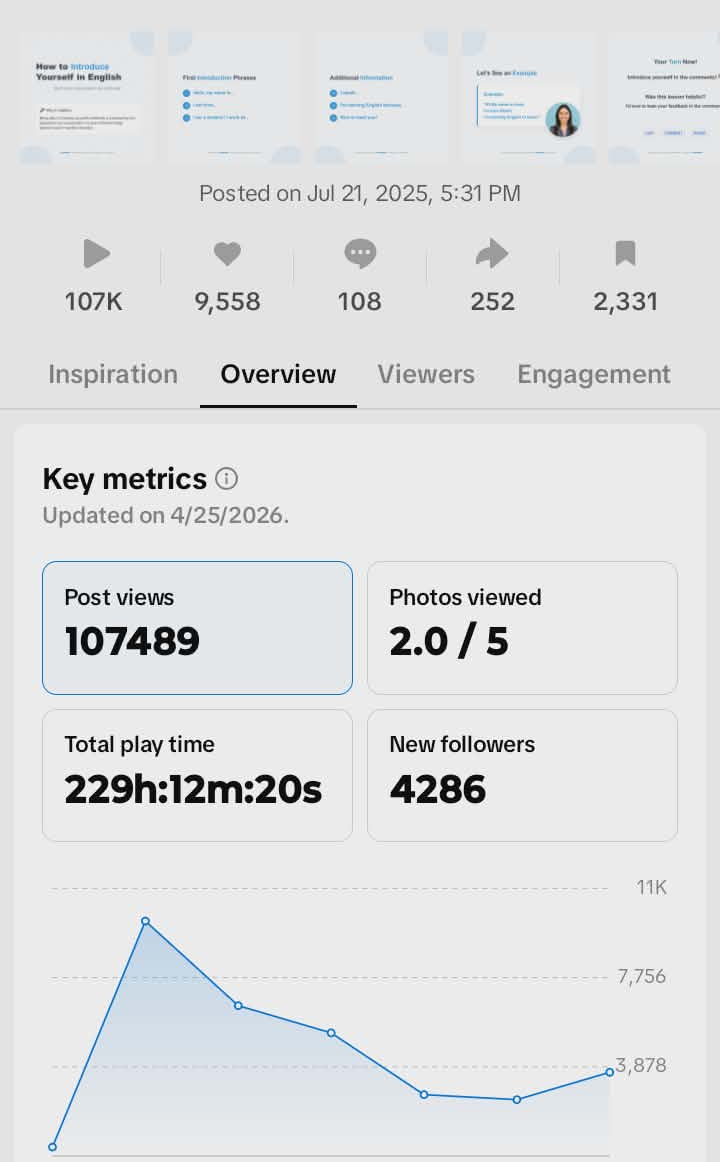
OutboundHQ's campaign creator uses AI to generate a full batch of social media posts — captions, images, and all — tailored to your brand and platforms. Here's exactly how the process works, step by step.
Example: Posts Generated for Fluent Future
Here are the carousel slides OutboundHQ generated for Fluent Future's 'How to Introduce Yourself in English' campaign — the post that went on to get 100K+ views on TikTok.
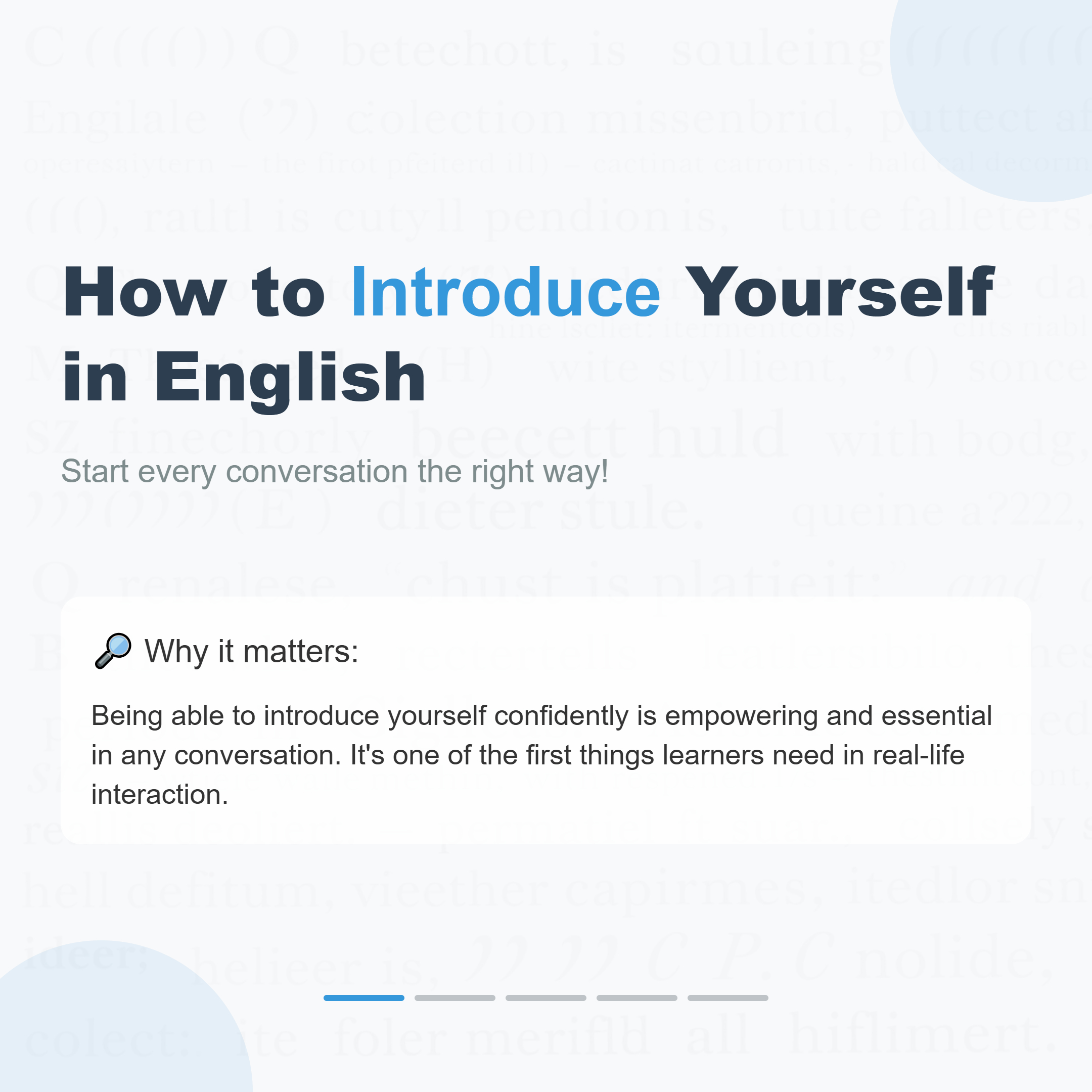
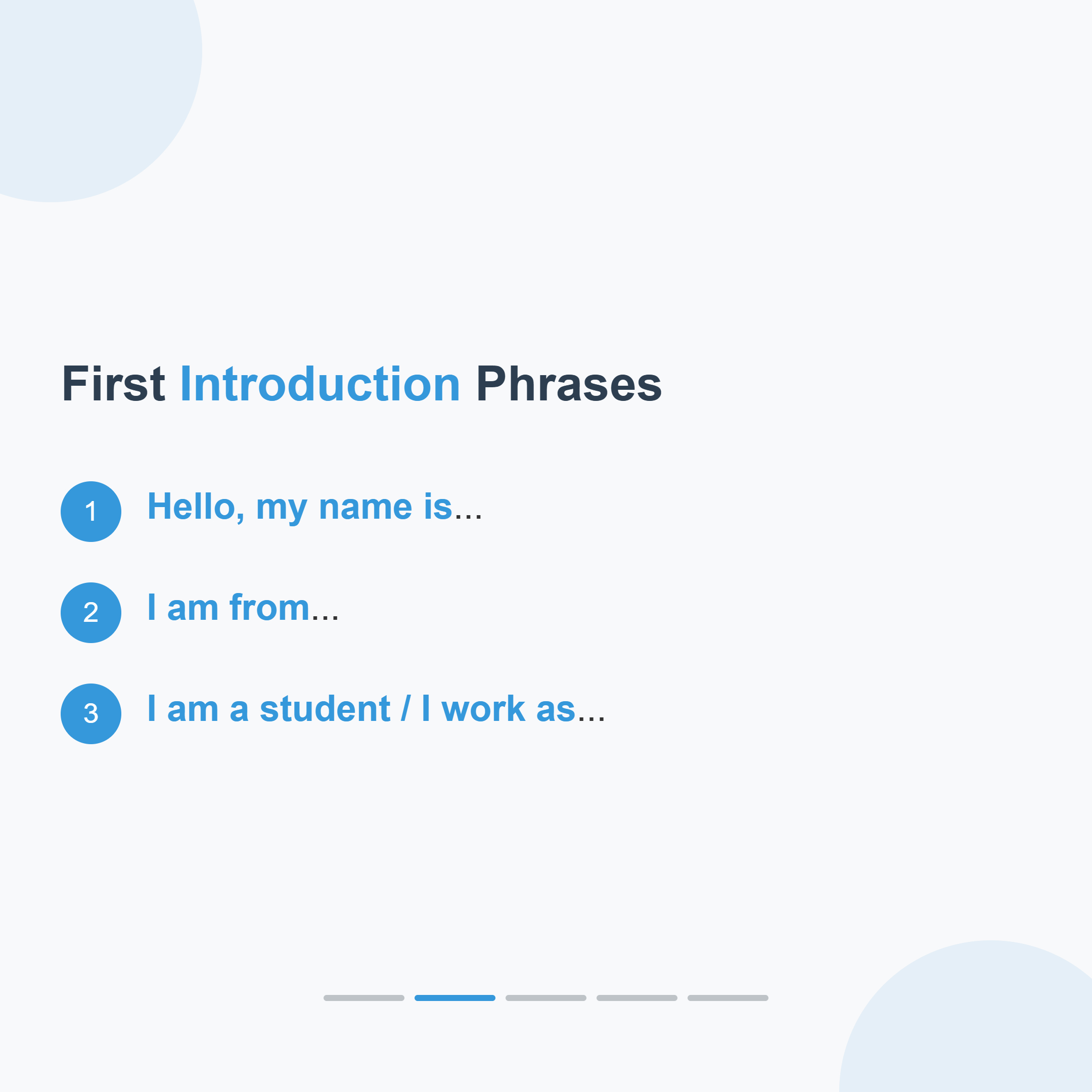
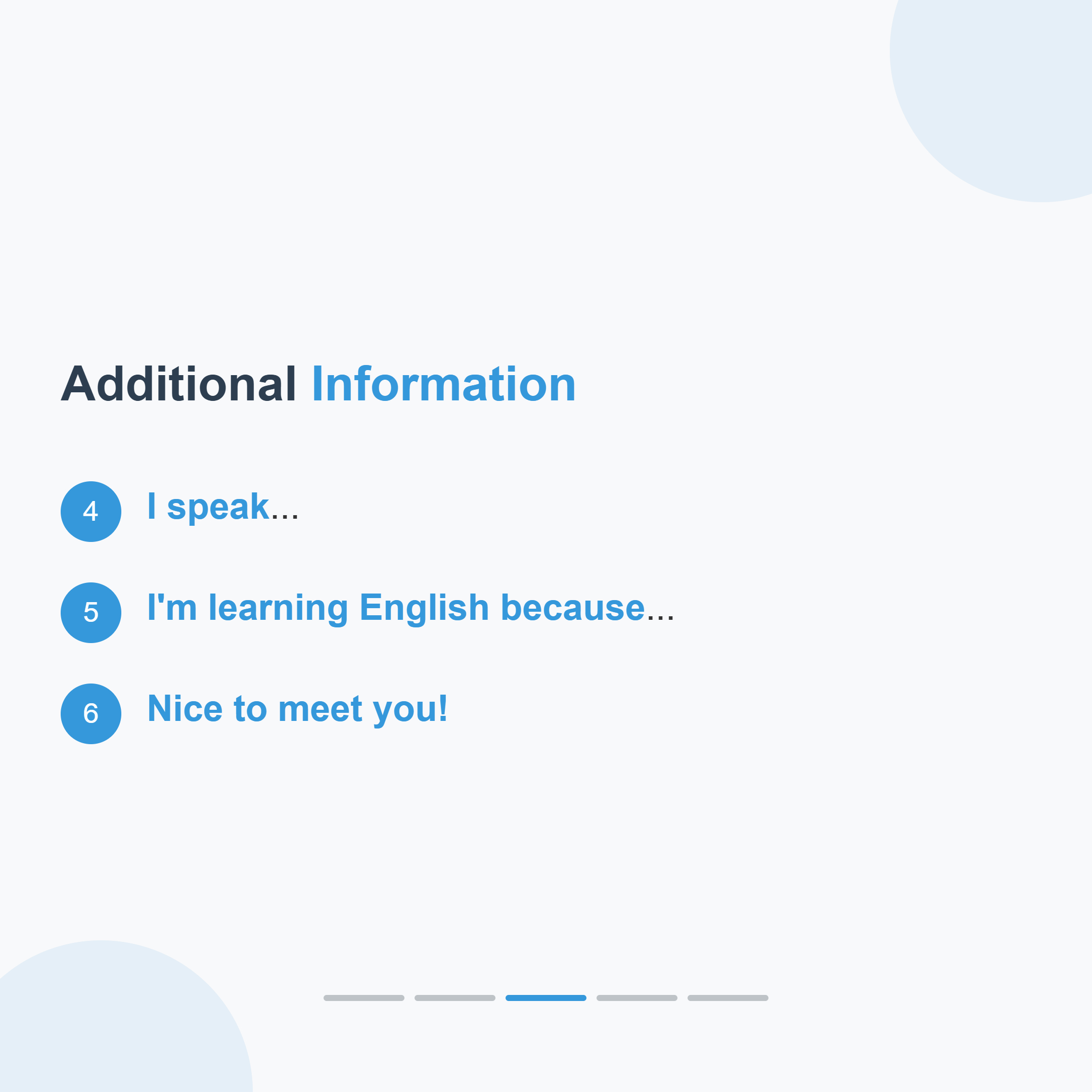
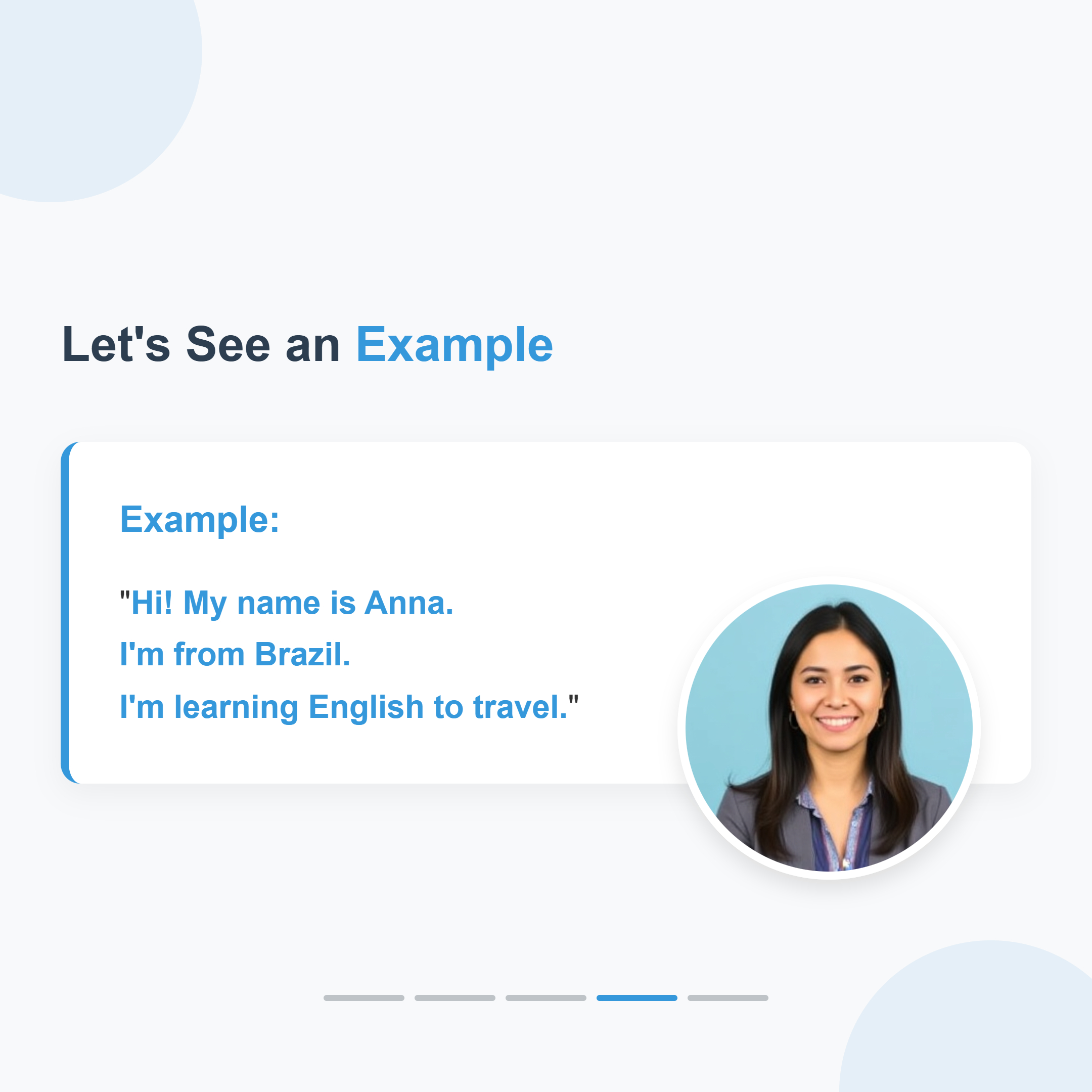
Slide 1 — Title: How to Introduce Yourself in English
Step 1: Name Your Campaign and Pick Your Accounts
Open the campaign creator from your dashboard. First, give your campaign a name, then select which social accounts to post to. OutboundHQ supports Instagram, TikTok, LinkedIn, Reddit, and X (Twitter) — you can mix and match accounts across platforms.
- •Enter a campaign name (e.g. 'Summer Launch — Week 1')
- •Select 'Social Media Accounts' as your campaign type
- •Check off one or more connected accounts — the platform mix determines what content format gets generated
Step 2: Write Your Brief
This is the most important step. Describe what you want to post about — the AI uses your brief to generate every post in the campaign. The more specific you are, the better the output.
Describe your topic, tone, and target audience (e.g. 'Fun, energetic posts promoting our new product to fitness enthusiasts aged 25–35')
Mention key benefits, offers, or messages you want to highlight
Set the number of posts — anywhere from 1 to 30
The estimated cost is shown upfront so there are no surprises
Step 3: The AI Asks You Clarifying Questions
After you submit your brief, the AI analyzes it. If it needs more detail to produce great content, it asks a short set of clarifying questions — things like preferred design style, target audience specifics, or call-to-action preferences. Pick from the suggestions or type your own answer, then submit.
- •The AI only asks questions when it genuinely needs more information
- •Each question comes with suggested answers — tap one or choose 'Other' to type your own
- •Once the brief is approved, you'll see a summary of what will be generated before committing
Step 4: Add Assets (Optional)
Upload any images you want used in the posts, and add brand assets like your logo or brand colours. Brand assets are stored in your library so you can reuse them across campaigns.
Upload post images (PNG, JPG) to use as the visual for specific posts
Upload brand assets — logos, fonts, colour swatches — to keep visuals on-brand
Pick from your existing brand asset library instead of uploading again
Both sections are optional — the AI can generate images from scratch if you skip them
Step 5: Configure Platform Settings (Optional)
Each platform has specific settings you can configure before generating. Defaults are sensible — skip this step if you're not sure.
- •TikTok: set privacy level, disable comments, toggle auto-add music, mark as branded content
- •LinkedIn: choose between public or connections-only visibility
- •Reddit: set the target subreddit, post type (text or link), title, and flair
- •Instagram: enable shopping tags or story links
- •X (Twitter): control who can reply to your tweets
Step 6: Generate — Posts Appear in Real Time
Hit 'Generate Posts' and OutboundHQ closes the modal and takes you straight to your campaign page. Posts start appearing one by one as the AI creates them — no waiting on a loading screen.
- •Each post shows the platform, generated caption, and image
- •Review and approve, edit, or reject each post individually
- •Approved posts can be scheduled for a specific date and time
- •The full batch is generated in the background while you review early results
Tips for Better Posts
A few things that consistently improve output quality:
Specificity beats length — 'professional tone targeting SaaS founders' beats 'business content'
Answer the AI's clarifying questions fully — they exist because the brief needed more detail
Upload your logo as a brand asset so every generated image stays on-brand
Set platform presets once — Reddit subreddits and TikTok privacy settings carry over
Use the number-of-posts field strategically — generate 10 posts and approve the best 5
Conclusion
The whole process — from naming a campaign to watching posts appear — takes a few minutes. The AI handles copywriting, image design, and platform formatting. Your job is to write a good brief, answer any clarifying questions, and approve the posts you want to schedule. The better your brief, the less back-and-forth you need.