How We Ran Pitch Tank 2.0's Email Campaign — And What We Learned
A behind-the-scenes look at the 6-email drip campaign we built for Pitch Tank 2.0 using OutboundHQ: the design choices, the pitfalls of HTML email, and the stats from 270 leads reached.
OutboundHQ Team · July 6, 2026 · 9 min read
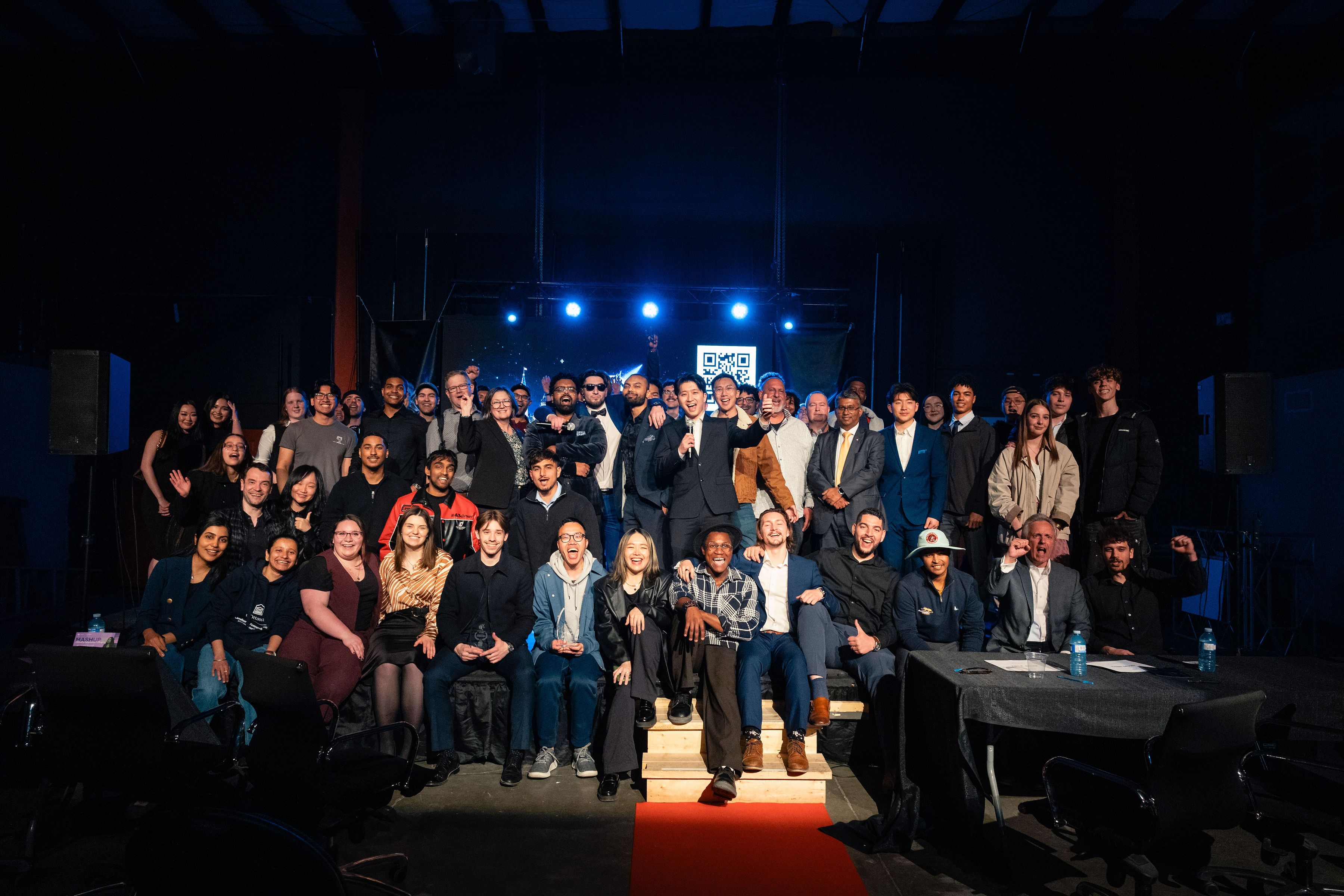
Pitch Tank is one of Vancouver's most electrifying startup events — a live shark-tank-style competition where 300 attendees each receive $1,000,000 in virtual currency and vote on which startups to invest in. For Pitch Tank 2.0 (May 8, 2026), we ran a 6-email drip campaign through OutboundHQ to drive ticket sales and build anticipation. This is the full story: how we built the campaign, the real pitfalls of HTML email rendering, and what the numbers looked like by the time the market opened.
The Campaign at a Glance
The campaign ran for 20 days — from April 19 to May 8 — across 270 leads, with emails spread 8 hours per day to reduce spam risk. Every email was crafted as rich HTML with a dark, high-energy aesthetic matching the Pitch Tank brand. Here's a summary of what was sent and when:
- 1,578
- Emails Sent
- 48.7%
- Open Rate
- 9.1%
- Click Rate
- 270
- Leads Reached
across 6 steps
769 opened
144 clicks
via info@pitchtank.ca
Building the Campaign in OutboundHQ
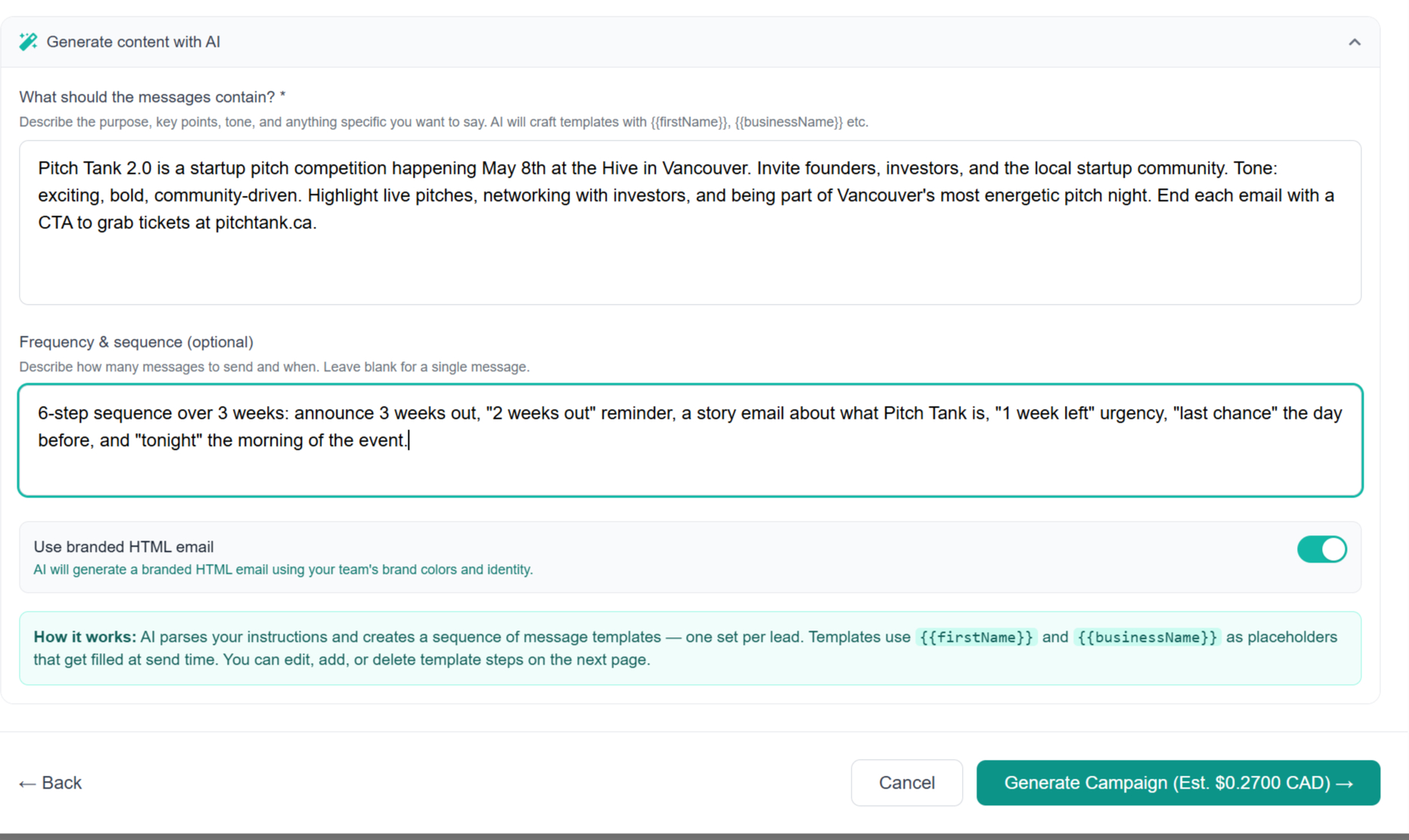
The campaign was created using OutboundHQ's Create Campaign modal. We selected 'Email Outreach' as the campaign type, picked the Pitch Tank lead list (270 contacts), and on the Brief step we toggled on 'HTML Email' and wrote a content prompt describing the event — the audience, the goal, the tone, and key details like the date and venue. OutboundHQ's AI then asked a few clarifying questions before generating all six branded HTML emails in one shot. From there we used the 'Request Changes' feature inside the campaign editor to iteratively refine the output — adjusting subject lines, tightening copy, tweaking the visual hierarchy — until each email was exactly right. No writing from scratch; the AI handled the first draft and we shaped it from there.
The 6 Emails — Seen in Full
Each email had a distinct job: spark curiosity, build urgency, explain the format, and finally trigger action. Below are all six emails rendered exactly as recipients saw them, with their per-step send stats.
Subject: Pitch Tank 2.0 — May 8th
Apr 19 · Step 1Subject: Two weeks out — May 8th
Apr 24 · Step 2Subject: What Pitch Tank is actually about
Apr 28 · Step 3Subject: One week — May 8th
May 1 · Step 4Subject: Thursday — last chance for tickets
May 7 · Step 5Subject: Tonight — Pitch Tank 2.0
May 8 · Step 6The Real Pitfalls of HTML Email
HTML email is not the web. Every email client — Gmail, Outlook, Apple Mail, Yahoo — has its own rendering engine, and some are deeply hostile to modern CSS. Here's every constraint we had to design around to ensure the Pitch Tank emails looked great everywhere:
- No external fonts: Web fonts loaded via @font-face or Google Fonts are blocked in most email clients. We fell back to system fonts (Georgia, Arial, sans-serif) as the stack.
- No CSS Grid or Flexbox: Outlook uses Microsoft Word's HTML engine which doesn't support flex or grid. All layouts use HTML <table> elements — the same technique from 2003.
- No background-image on <div>: Outlook strips background-image on div elements. We used VML (Vector Markup Language) with an <!--[if mso]> conditional block to replicate background images in Outlook.
- Inline styles only: Many clients strip <style> blocks from the <head>. Every CSS rule that matters must be inlined directly on the element with style="".
- Max width ~600px: Most email clients render in a narrow panel. Anything wider than 600px will overflow or reflow unexpectedly.
- No <video> or animated GIFs above a certain size: Outlook renders static fallback images instead. We used still hero images with motion implied through copy.
- No JavaScript: Every email client blocks JS execution. Interactive elements, countdown timers, and dynamic content are impossible. The '7 DAYS' countdown was pure static text.
- Dark mode interference: Gmail and Apple Mail apply automatic dark mode inversion. We used explicit background-color values on every container to prevent text from disappearing into an auto-darkened background.
- Image blocking by default: Many corporate email clients block images until manually allowed. Every image has descriptive alt text, and the email reads coherently even with all images hidden.
- Link tracking pixels: Open tracking (the 1×1 pixel image) is blocked by Apple Mail's Mail Privacy Protection. Our open rates are directional, not exact — Apple pre-fetches tracking pixels regardless of whether the email was actually opened.
Step-by-Step Performance
Each email in the sequence served a specific emotional role. The numbers reflect this — early emails seeded awareness, mid-sequence emails explained the format, and the final two created urgency. Here's how each step performed:
- 48.9%
- Step 1 — Announce
- 46.7%
- Step 2 — Two Weeks
- 45.8%
- Step 3 — Explain
- 45.6%
- Step 4 — One Week
open rate · Apr 19
open rate · Apr 24
open rate · Apr 28
open rate · May 1
The Final Push — Last Chance & Night-Of
The last two emails were sent as urgency spikes: 'Thursday — last chance for tickets' on May 7, and 'Tonight — Pitch Tank 2.0' the morning of the event. These delivered the highest open rate of the campaign — the night-of email hit 57.6% opens, proving that day-of event emails are worth sending even when many recipients already have tickets. They drive last-minute signups, reduce no-shows, and build anticipatory excitement.
- 48.1%
- Step 5 — Last Chance
- 57.6%
- Step 6 — Tonight
- 8.1%
- Step 5 Clicks
- 3.5%
- Step 6 Clicks
open rate · May 7
open rate · May 8
21 clicks
9 clicks
The Event: What Happened on May 8th
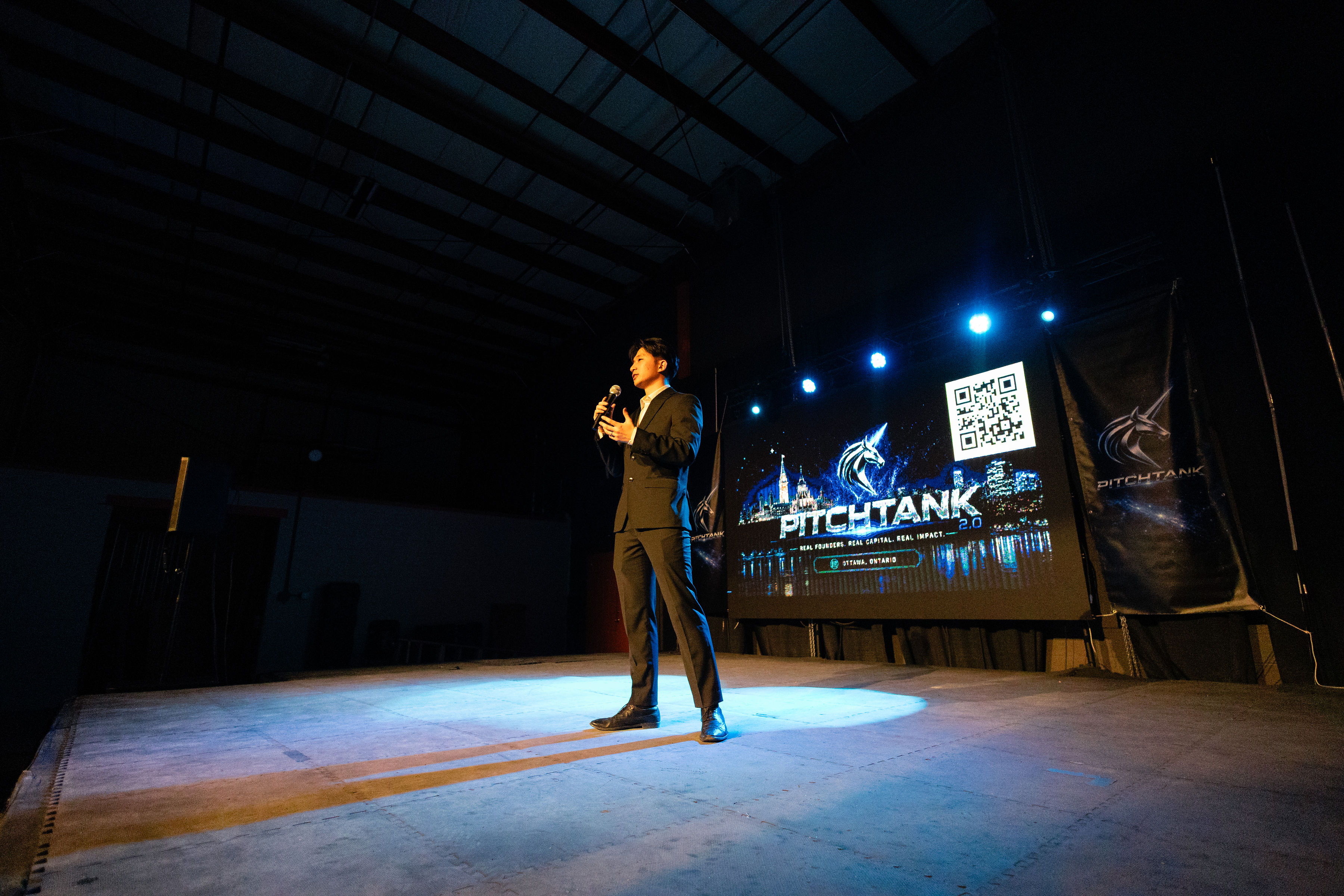
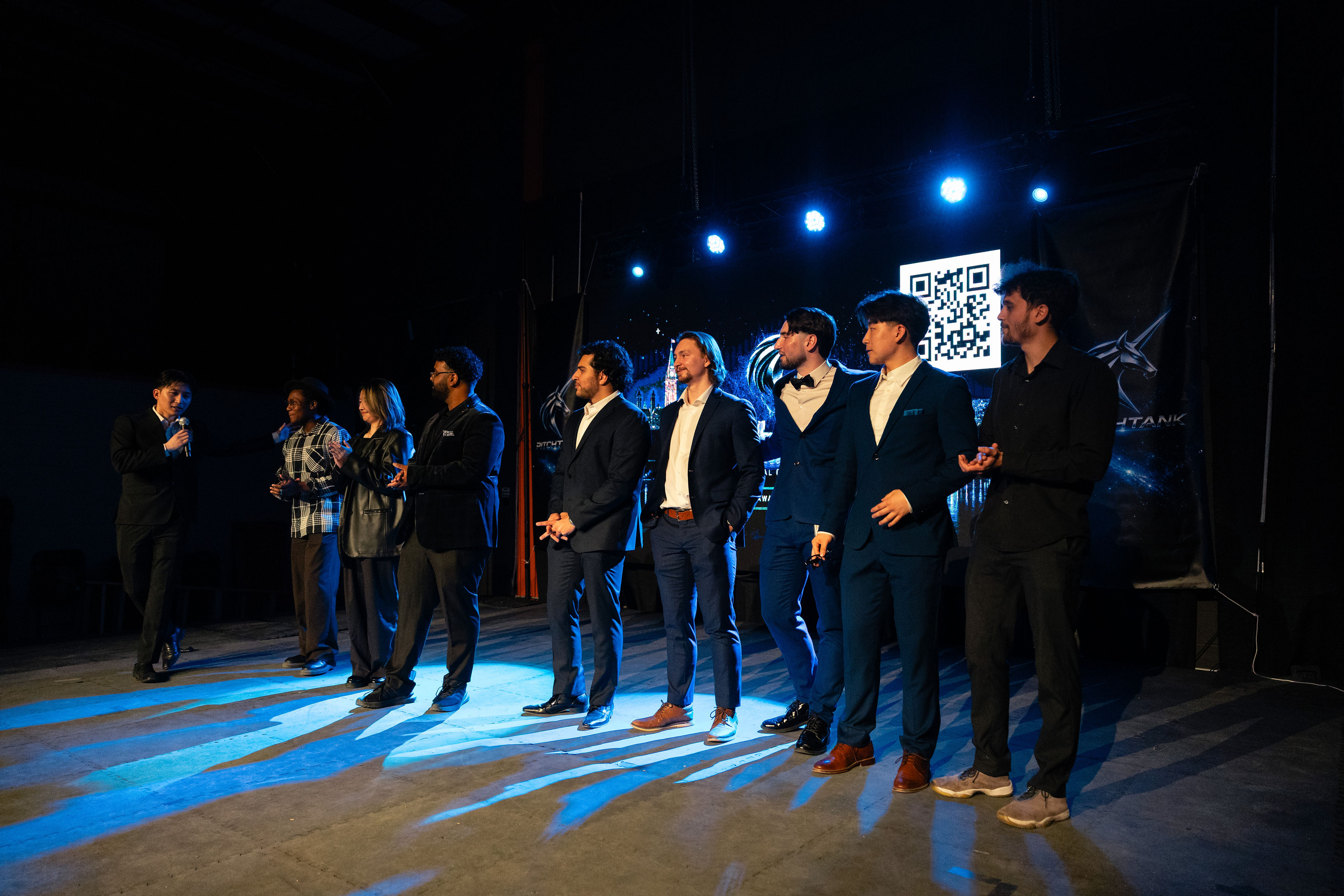
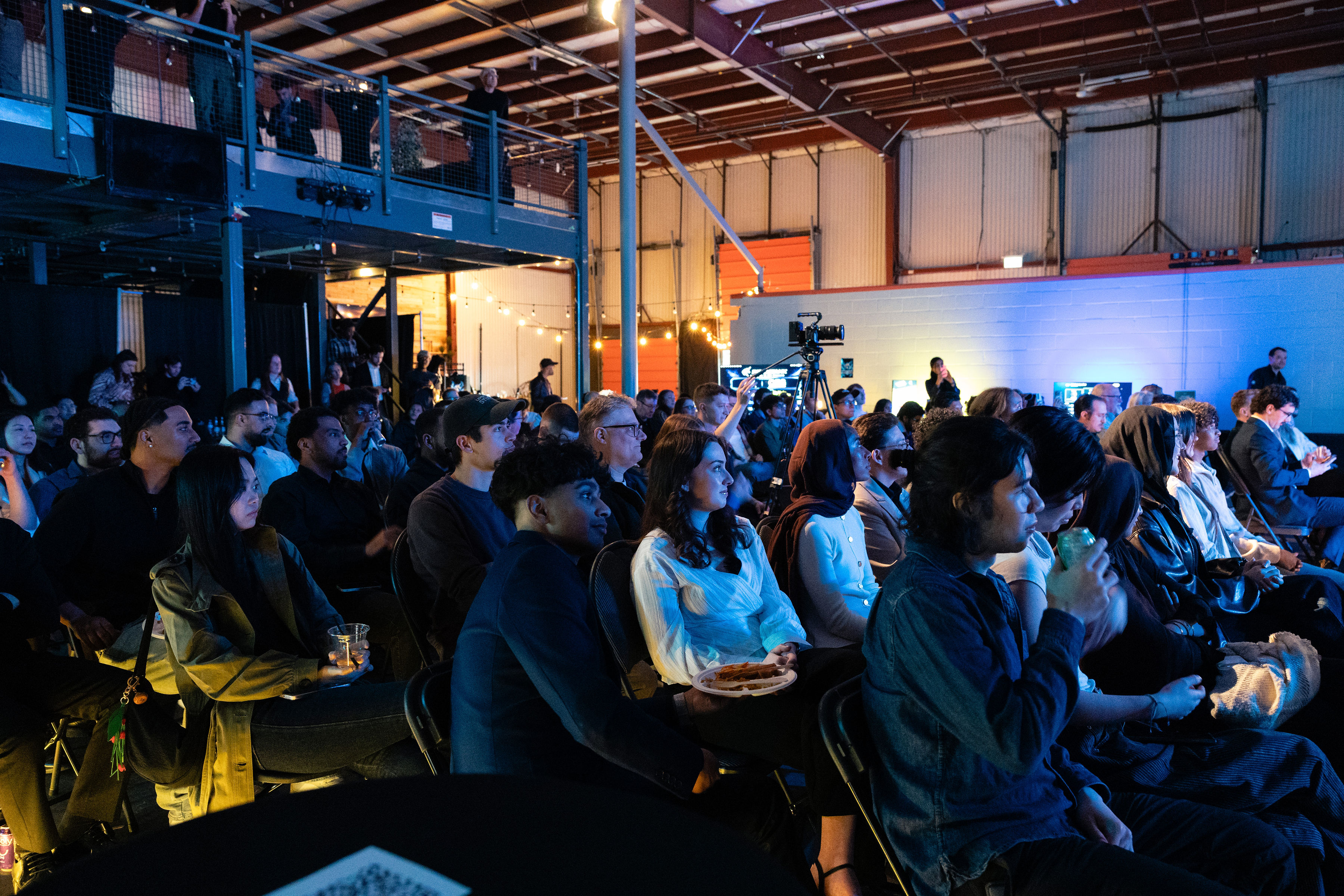
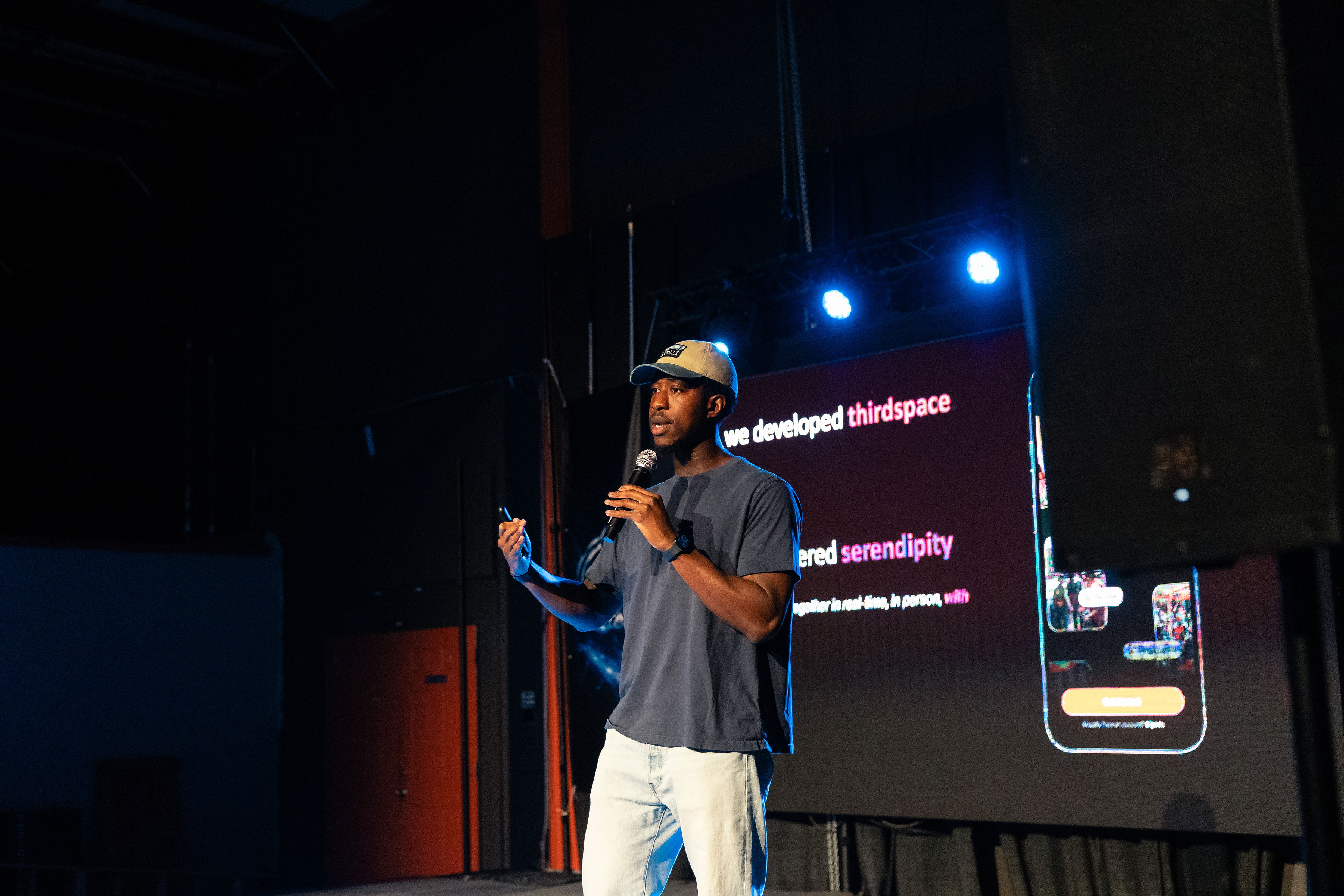
Pitch Tank 2.0 filled the room. 300 attendees walked in with $1,000,000 each in virtual currency, judged live pitches from early-stage startups, and collectively decided who gets funded. Food was Thai. Bar was open. The VIP section sold out. The energy was exactly what the emails promised — electric. The campaign's 46% average open rate (more than double the industry average of ~21%) reflects a highly engaged list who genuinely wanted to be in the room.
What We'd Do Differently
Looking back, a few things stand out as opportunities for the next campaign:
Add a plain-text fallback that's actually compelling — our plain-text version was auto-stripped from the HTML and looked rough in clients that rendered it.
Pre-warm the domain earlier. Sending 270 emails on day one of a new domain adds spam risk — we spread sends over 8 hours which helped, but a 2-week warmup before launch would have been better.
A/B test subject lines on the middle emails — steps 2–4 had similar open rates and likely had room to improve with sharper subject lines.
Segment VIPs from general list — past attendees likely needed a different angle than first-timers. One list treated everyone the same.
Conclusion
The Pitch Tank 2.0 email campaign is a good example of what's achievable with a small, highly-targeted list and thoughtful sequencing. Nearly 49% open rates don't happen by accident — they come from earned relevance (the list actually wanted to hear from Pitch Tank), good timing (emails tied to real countdown milestones), and HTML design that worked in every inbox. OutboundHQ's campaign builder made the scheduling and tracking easy. The hard part — and the rewarding part — was writing emails that people actually wanted to open.
Try OutboundHQ
Social media, email and leads in one place. Pay for what you use.